Note App with AI: What Happens If You Skip Auto‑Tagging?
Discover how missing auto‑tagging in AI‑powered note apps can cripple organization, slow retrieval, and increase costs for users.
Noteshik is a fast, private notes app that imports your Evernote notes.
Start free →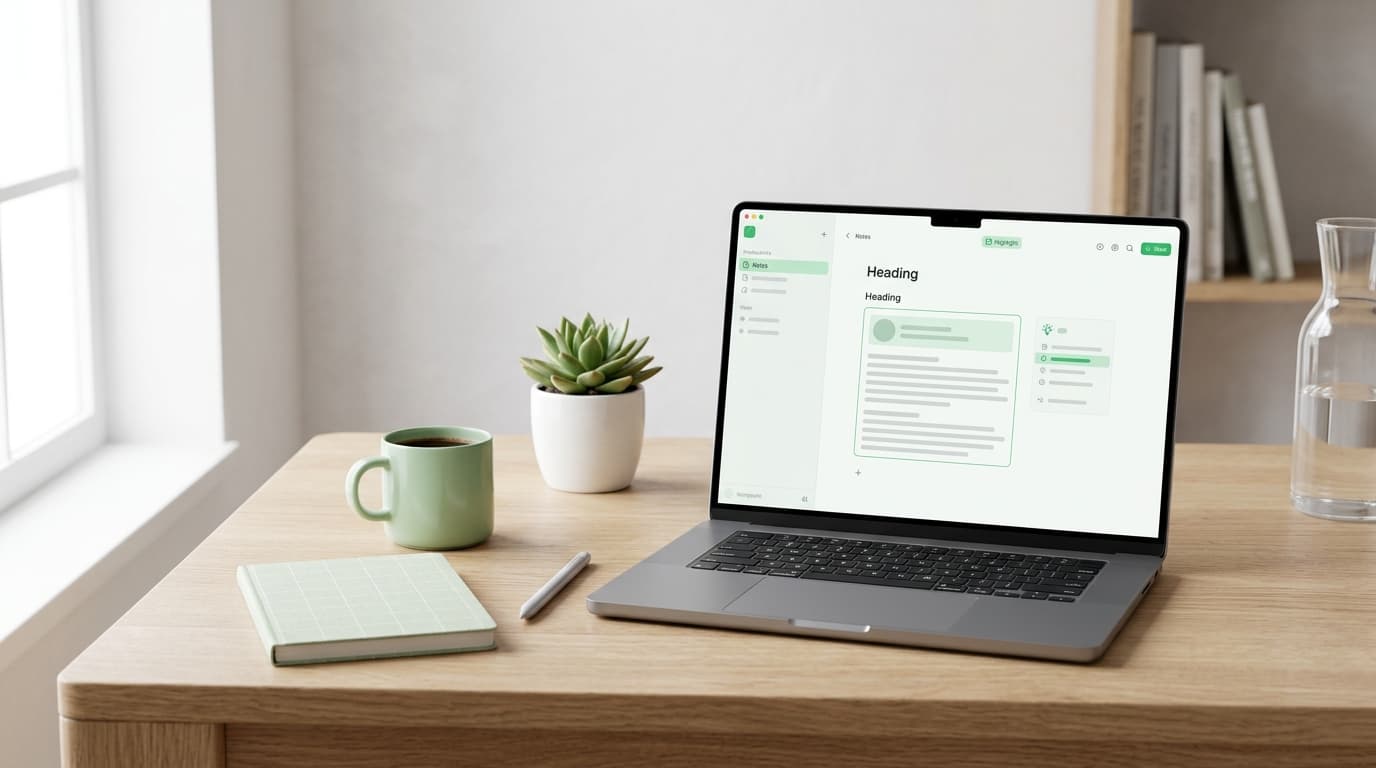
A note‑taking app that includes AI can turn a cluttered notebook into a searchable knowledge hub. Noteshik’s AI tools—summarize, ask‑your‑notes, and auto‑tag—are built into the Pro plan, so you get intelligent assistance without a separate subscription. If you’re comparing options, the cost difference and feature set are worth a closer look.
Why AI Matters in a Note‑Taking App
Faster Retrieval
AI summarization condenses long meeting minutes or research articles into bite‑size overviews, letting you grasp the main points in seconds. The “ask‑your‑notes” feature lets you query your own content in natural language, pulling relevant passages without scrolling through dozens of pages.
Smarter Organization
Auto‑tag uses machine learning to suggest tags based on the content of each note. This reduces the manual effort of categorizing information and improves the accuracy of search results over time.
No Extra Fees
Noteshik bundles these AI capabilities into the Pro subscription. There’s no need to add a separate AI plan, which keeps the total cost predictable.
Noteshik Pricing at a Glance
Pro $3.99/mo or $24.99/yr · Premium $8.99/mo or $54.99/yr
The Pro tier includes the AI suite, unlimited notebooks, and one‑click Evernote (.enex) import. Premium adds upcoming real‑time team collaboration and future integrations, but note that collaboration is not yet live.
Feature Comparison
| Feature | Noteshik Pro | Evernote Starter | Evernote Advanced | |---|---|---|---| | Price (annual) | $24.99 | $99 (≈$8.25/mo) | $249.99 | | AI Summarize | ✔︎ | ✖︎ (AI add‑on separate) | ✔︎ (included) | | Ask‑Your‑Notes | ✔︎ | ✖︎ | ✔︎ | | Auto‑Tag | ✔︎ | ✖︎ | ✔︎ | | One‑Click .enex Import | ✔︎ | ✔︎ (manual steps) | ✔︎ | | Real‑time Collaboration | ✖︎ (coming soon on Premium) | ✖︎ | ✔︎ | | Slack/Teams Integration | ✖︎ | ✖︎ | ✔︎ | | Android App | Live on Google Play & Amazon Appstore | Live | Live | | Web Clipper | Coming soon | Available | Available | | Security | AES‑256 at rest, TLS in transit | AES‑256 at rest, TLS in transit | AES‑256 at rest, TLS in transit |
The table highlights that Noteshik Pro delivers AI features at a fraction of the cost of Evernote’s comparable tier, while still offering seamless Evernote import.
Importing Your Existing Notes
Switching to a new app is often blocked by the effort required to migrate data. Noteshik simplifies this with a one‑click import of Evernote’s .enex files. The same import tool also supports Notion, Obsidian, Joplin, and plain Markdown, allowing you to consolidate notes from multiple sources without manual copy‑pasting.
Security and Privacy
All notes stored in Noteshik are encrypted at rest using AES‑256 and protected in transit with TLS. While this safeguards your data against external threats, the platform does not offer end‑to‑end encryption or a zero‑knowledge architecture. Users should consider this when handling highly sensitive information.
Platform Availability
- Android: The Noteshik app is available on Google Play, the Amazon Appstore for Fire tablets, and as a direct APK download from noteshik.com/android.
- iOS: Available through the App Store.
- Web: Full‑featured web app accessible from any browser.
- Web Clipper: Currently in development and will be released later this year.
When to Choose Noteshik Pro
- You need AI‑driven summarization and search without paying a premium price.
- You are migrating from Evernote and want a smooth import process.
- You work primarily on Android devices and appreciate a native app.
- Real‑time collaboration is not an immediate requirement, or you are willing to wait for the Premium rollout.
When Evernote Might Still Fit
- Your organization relies on Slack or Microsoft Teams integration today.
- You need built‑in real‑time collaboration for large teams.
- You prefer a platform with an established web clipper already in use.
Try Noteshik free
Import your Evernote notes in 60 seconds. Pay 75% less. Same features.
Free: 5 AI calls a month. Pro ($3.99/mo or $24.99/yr): 50 AI calls. Premium ($8.99/mo or $54.99/yr): unlimited AI.
Getting Started with Noteshik
- Create a free account on Noteshik.com.
- Upgrade to Pro to unlock AI tools and unlimited imports.
- Import your Evernote archive using the one‑click .enex importer.
- Explore AI features by selecting a note and choosing “Summarize” or “Ask your notes.”
- Tag automatically by enabling auto‑tag in settings; the AI will suggest relevant tags as you write.
By following these steps, you can transition from a traditional note‑taking workflow to an AI‑enhanced system that keeps your information organized and instantly searchable.
Frequently Asked Questions
Do I need a separate AI subscription?
No. All AI features are included in the Noteshik Pro plan.
Is there a limit on the number of notes or notebooks?
Noteshik does not impose limits on notes or notebooks in the Pro tier.
Will the Web Clipper be free?
The upcoming Web Clipper will be included with all plans at no additional cost.
Can I use Noteshik on a Windows PC?
Yes, the web app works on any modern browser, including on Windows.
Try Noteshik free
Import your Evernote notes in 60 seconds. Pay 75% less. Same features.
Free: 5 AI calls a month. Pro ($3.99/mo or $24.99/yr): 50 AI calls. Premium ($8.99/mo or $54.99/yr): unlimited AI.
Related reading
Switch from Evernote in 60 seconds
Drop your .enex file. Get all your Evernote notes in Noteshik. 75% less than Evernote, AI included.
Free: 5 AI calls a month. Pro ($3.99/mo or $24.99/yr): 50 AI calls. Premium ($8.99/mo or $54.99/yr): unlimited AI.