Best Note Apps for Students: Affordable, Cross‑Device Choices
Discover the top student note‑taking apps, compare features and pricing, and see why Noteshik stands out as the most practical, budget‑friendly option for coursework and projects.
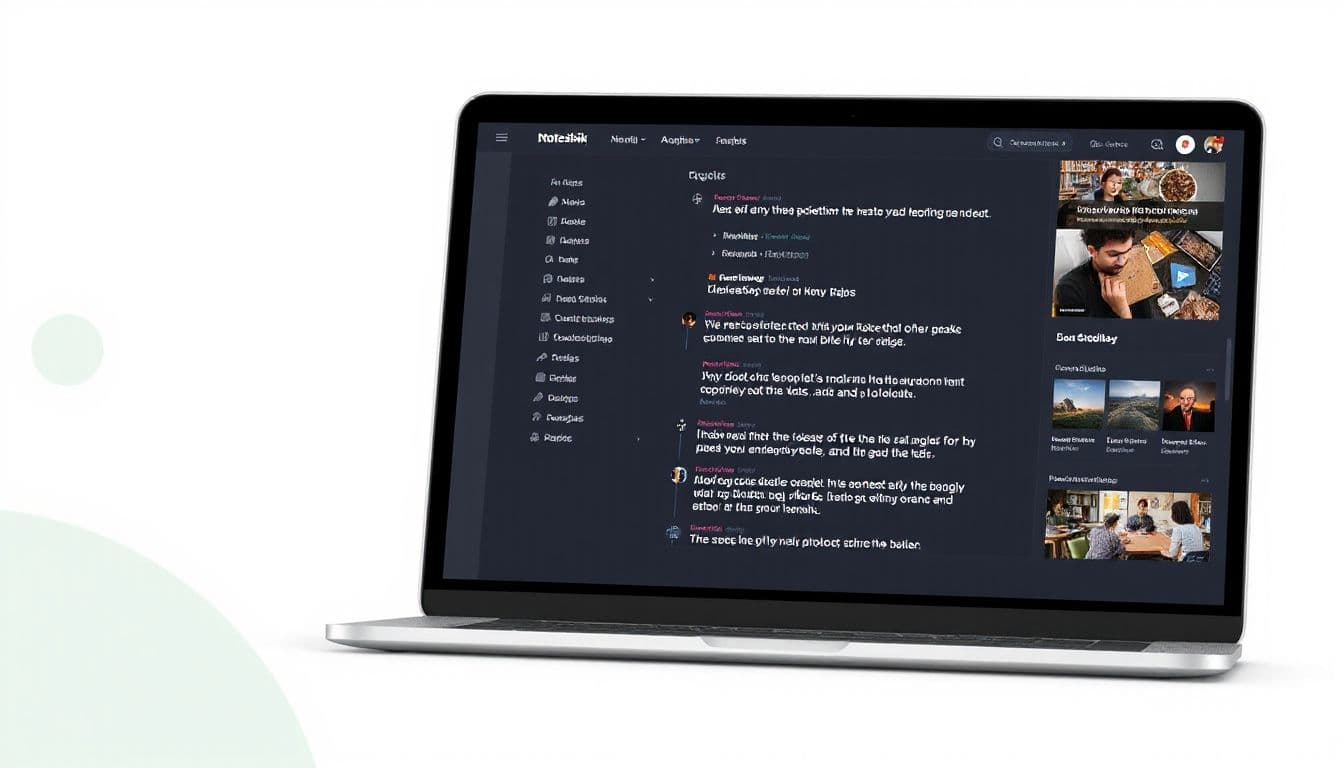
Noteshik is a fast, private notes app that imports your Evernote notes.
Start free →
Students need a note‑taking tool that is affordable, works across devices, and helps them stay organized without a steep learning curve. Noteshik offers a feature set that matches those priorities while keeping costs well below the major competitors. Below you’ll find a detailed look at the top options for students, a side‑by‑side comparison, and why Noteshik often ends up as the most practical choice for coursework, research, and personal projects.
Why Students Choose Specific Note Apps
Cost and Subscription Simplicity
Students typically have limited budgets. An app that charges a high monthly fee quickly becomes a barrier. Noteshik’s Pro plan is priced at Pro $3.99/mo or $24.99/yr · Premium $8.99/mo or $54.99/yr, which is roughly 75 % less than Evernote’s Starter tier (about $99/yr). The flat‑rate model means no surprise add‑ons; AI tools such as summarization, “ask‑your‑notes,” and auto‑tagging are included in Pro at no extra charge.
Cross‑Platform Access
A good student workflow spans a laptop for writing papers, a tablet for reading PDFs, and a phone for quick capture. Noteshik runs on iOS, Android, macOS, Windows, and the web (browser‑based). The Android version is live on Google Play, the Amazon Appstore, and as a direct APK from noteshik.com/android. iOS and desktop apps are available for download from the Noteshik website.
Import Flexibility
Many students already have notes stored in Evernote, Notion, Obsidian, Joplin, or plain Markdown files. Noteshik supports one‑click .enex import for Evernote and also imports from the other formats listed. This eliminates the need to rebuild a knowledge base from scratch.
Built‑In AI Assistance
AI can turn a long lecture transcript into a concise summary, suggest tags, or answer questions based on your own notes. Noteshik’s AI features are bundled with the Pro plan, so there is no separate AI subscription to manage.
Security Basics
All notes are encrypted at rest with AES‑256 and protected in transit with TLS. While Noteshik does not offer end‑to‑end encryption, the encryption standards meet typical academic data‑privacy requirements.
Comparison Table
| App | Platforms | Key Features for Students | Pricing (as of 2026) | |-----|-----------|---------------------------|----------------------| | Noteshik | iOS, Android, macOS, Windows, Web | One‑click Evernote import, AI summarization & ask‑your‑notes, auto‑tagging, markdown support, Android app live, web clipper coming soon | Pro $3.99/mo or $24.99/yr · Premium $8.99/mo or $54.99/yr | | Evernote | iOS, Android, macOS, Windows, Web | Rich text editor, web clipper, limited AI on Advanced tier, Slack/Teams integration (Advanced only) | Starter about $99/yr; Advanced $249.99/yr | | OneNote | iOS, Android, macOS, Windows, Web | Free, integrates with Microsoft 365, strong handwriting support, unlimited notebooks | Free; included with Microsoft 365 subscription | | Goodnotes | iOS, iPadOS | Handwriting‑focused, PDF annotation, template library | Essential $11.99/yr; Pro $35.99/yr | | Simplenote | iOS, Android, macOS, Windows, Web | Plain‑text notes, version history, collaborative editing | Free | | Google Keep | iOS, Android, Web | Sticky‑note style, voice memos, integration with Google Workspace | Free | | Notion | iOS, Android, macOS, Windows, Web | All‑in‑one workspace, databases, templates, collaborative pages | Free tier and paid tiers (no dollar figure quoted) |
How the Table Helps Students Choose
- Budget – Noteshik’s Pro plan is the most affordable paid tier that still includes AI. Goodnotes Pro and Evernote Starter cost significantly more.
- Device Coverage – Noteshik, OneNote, and Notion all support the major OSes. Goodnotes is limited to Apple devices.
- AI & Automation – Only Noteshik bundles AI in its base paid plan; Evernote’s AI tools require the higher‑priced Advanced tier.
- Import & Migration – Noteshik’s one‑click .enex import is a clear advantage for students moving from Evernote or other markdown‑based tools.
Noteshik Features That Matter to Students
AI‑Powered Summaries
After a lecture, paste the transcript into a note and ask Noteshik to “summarize this.” The AI returns a concise version, saving time on manual note‑taking.
Auto‑Tagging for Organization
Tags are generated automatically based on content, making it easier to locate notes for exams or group projects without spending extra effort on manual tagging.
“Ask‑Your‑Notes” Query
Students can type natural‑language questions like “What were the key causes of the French Revolution?” and receive answers drawn directly from their own notes.
Seamless Import from Evernote
If you already have a library of .enex files, Noteshik imports them with a single click, preserving notebooks, tags, and attachments.
Upcoming Real‑Time Collaboration (Premium)
While real‑time team collaboration is not yet available, it is slated for the Premium tier. This roadmap is useful for students planning group projects later in the semester.
No Separate AI Subscription
All AI capabilities are included in the Pro price. There is no hidden monthly AI fee, which simplifies budgeting for students.
Limitations to Keep in Mind
- Team Collaboration – Real‑time collaboration is only announced for Premium and is not yet live.
- Slack/Teams Integration – Noteshik does not currently integrate with Slack or Microsoft Teams; those features remain exclusive to Evernote’s Advanced tier.
- Web Clipper – The Noteshik Web Clipper is still “coming soon,” so you cannot yet capture web content directly from a browser extension.
- End‑to‑End Encryption – Noteshik encrypts data at rest and in transit but does not provide end‑to‑end encryption.
Try Noteshik free
Import your Evernote notes in 60 seconds. Pay 75% less. Same features.
Free forever. Pro ($3.99/mo or $24.99/yr): 50 AI calls. Premium ($8.99/mo or $54.99/yr): unlimited AI.
How to Get Started with Noteshik
- Download the Android app from Google Play, the Amazon Appstore, or the direct APK link on noteshik.com/android.
- Create a free account to test basic note‑taking and syncing across devices.
- Upgrade to Pro when you need AI summarization, auto‑tagging, and the one‑click Evernote import. The upgrade cost is clearly listed as Pro $3.99/mo or $24.99/yr · Premium $8.99/mo or $54.99/yr.
- Import existing notes by selecting the .enex file from Evernote or dragging markdown files into the web interface.
- Explore AI tools by opening a note, typing a question, or selecting “Summarize” from the toolbar.
Try Noteshik free
Import your Evernote notes in 60 seconds. Pay 75% less. Same features.
Free forever. Pro ($3.99/mo or $24.99/yr): 50 AI calls. Premium ($8.99/mo or $54.99/yr): unlimited AI.
Related reading
Switch from Evernote in 60 seconds
Drop your .enex file. Get all your Evernote notes in Noteshik. 75% less than Evernote, AI included.
Free forever. Pro ($3.99/mo or $24.99/yr): 50 AI calls. Premium ($8.99/mo or $54.99/yr): unlimited AI.