Evernote on a Fire Tablet? Here's the Free Alternative That Imports Your Notes
Evernote is painful on Fire OS and keeps raising prices. Noteshik is a free, offline-first alternative on the Amazon Appstore that imports your Evernote notebooks directly — no sideloading, no subscription.
Noteshik is a fast, private notes app that imports your Evernote notes.
Start free →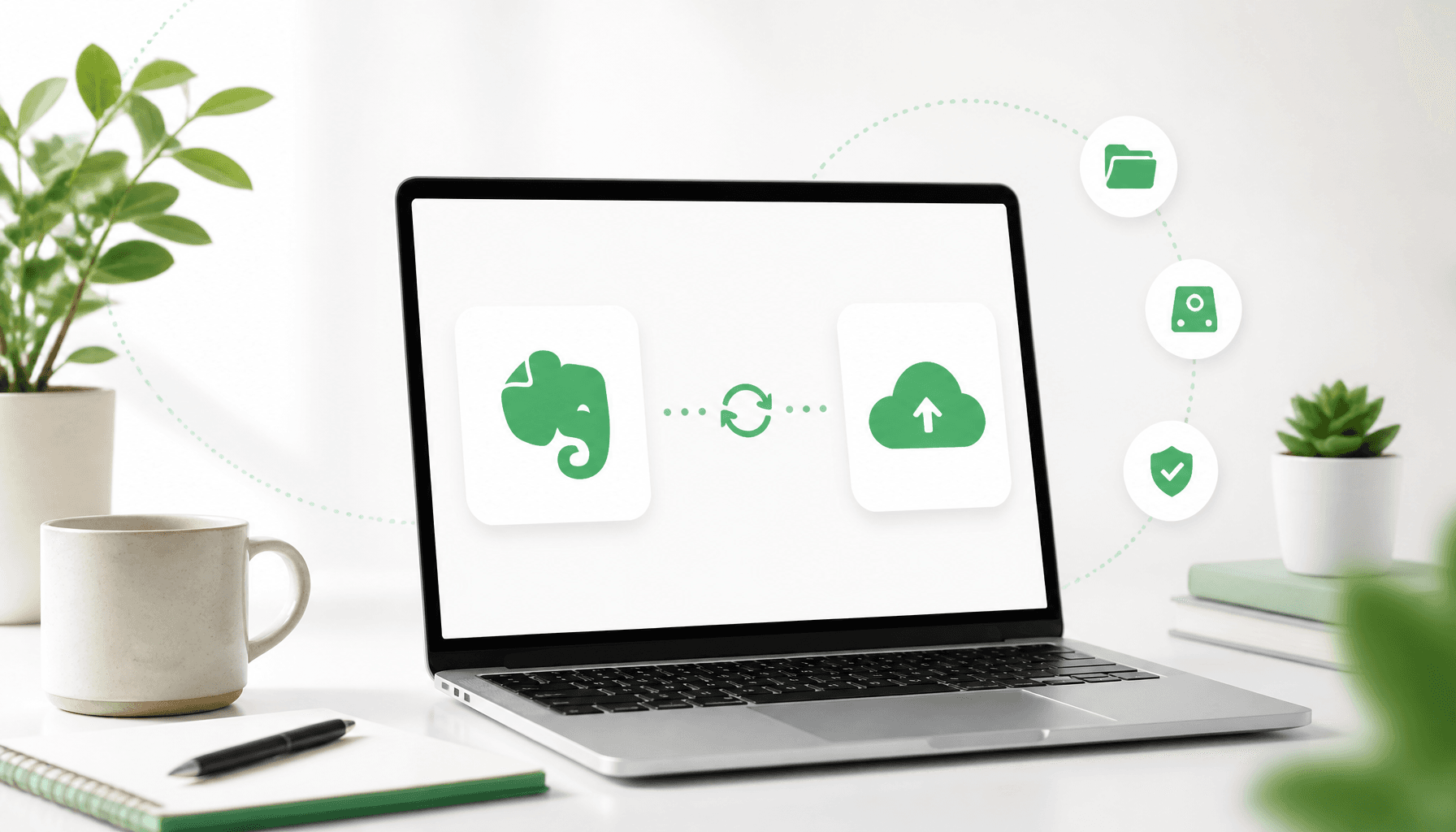
If you’re an Evernote user with an Amazon Fire tablet, you’ve hit two problems at once:
- Evernote keeps getting more expensive, and the free tier keeps getting smaller.
- Fire OS has no Google Play Store, so getting apps onto the tablet is awkward in the first place.
The good news: you can leave Evernote and solve the Fire problem in one move. Noteshik is a free, offline-first note app that’s available directly on the Amazon Appstore — and it imports your Evernote notes so you don’t lose anything.
Why people are switching off Evernote
It’s rarely one thing. The pattern we hear most:
- Price creep — what used to be reasonable now isn’t.
- Free tier squeezed down to near-uselessness (device limits, note limits).
- The app feeling heavier every year.
On a budget Fire tablet, “heavier every year” is especially painful — the hardware can’t paper over a bloated app.
What Noteshik gives you instead
- Evernote import. Bring your existing notebooks over and keep working — no re-typing, no manual copy-paste. Switching takes minutes.
- Free. Core note-taking costs nothing. No ads, nothing about you sold.
- Offline-first. Notes open instantly, even on weak Wi-Fi. Sync catches up when you reconnect — ideal for a tablet that lives around the house.
- AI voice-to-text. Tap the mic, get text. Your audio is never stored.
- Real organization. Folders, notebooks, tags, pinning.
- No lock-in. Export everything to PDF, DOCX, HTML, or Markdown anytime. Encrypted in transit and at rest with automatic encrypted backups.
How the switch works on Fire
- Install Noteshik from the Amazon Appstore on your Fire tablet (search “Noteshik” → Get). No Google Play, no sideloading.
- Export your Evernote notebooks (
.enex), or use the Noteshik web app at app.noteshik.com to run the import on a laptop. - Import into Noteshik — your notes are there, organized, ready.
- Everything syncs back to your Fire tablet under the same account.
Because Noteshik syncs across devices, you can do the heavy lifting (importing, big edits) on a computer and just use the tablet for capture and review.
Leave Evernote without leaving your notes behind
Free. Imports your Evernote notebooks. Installs straight from the Amazon Appstore on your Fire tablet — or start on the web and sync.

Free: 5 AI calls a month. Pro ($3.99/mo or $24.99/yr): 50 AI calls. Premium ($8.99/mo or $54.99/yr): unlimited AI.
Is it really free?
Yes — the core app is free, with no ads and no data selling. There are optional paid tiers for heavy storage and AI usage, but you can take notes, import from Evernote, organize, and export without paying anything. For a Fire tablet user who just wants their notes off Evernote, free is genuinely enough.
Related reading
Put Noteshik on your Fire tablet
Free on the Amazon Appstore — no Google Play needed. Or import your Evernote notes on the web first.
Free: 5 AI calls a month. Pro ($3.99/mo or $24.99/yr): 50 AI calls. Premium ($8.99/mo or $54.99/yr): unlimited AI.